


14 Oct New in Act! CRM: SMS Appointment Reminders and RingCentral Integration
Act! is making customer communication even more connected.
Act! CRM continues to evolve with new tools designed to help businesses improve customer communication, streamline daily workflows, and get more value from their CRM.
The latest Act! Cloud enhancements introduce two exciting capabilities: SMS Appointment Reminders and Act! + RingCentral integration. Both features help businesses stay connected with customers while reducing manual work and keeping important customer interactions connected to their CRM records.
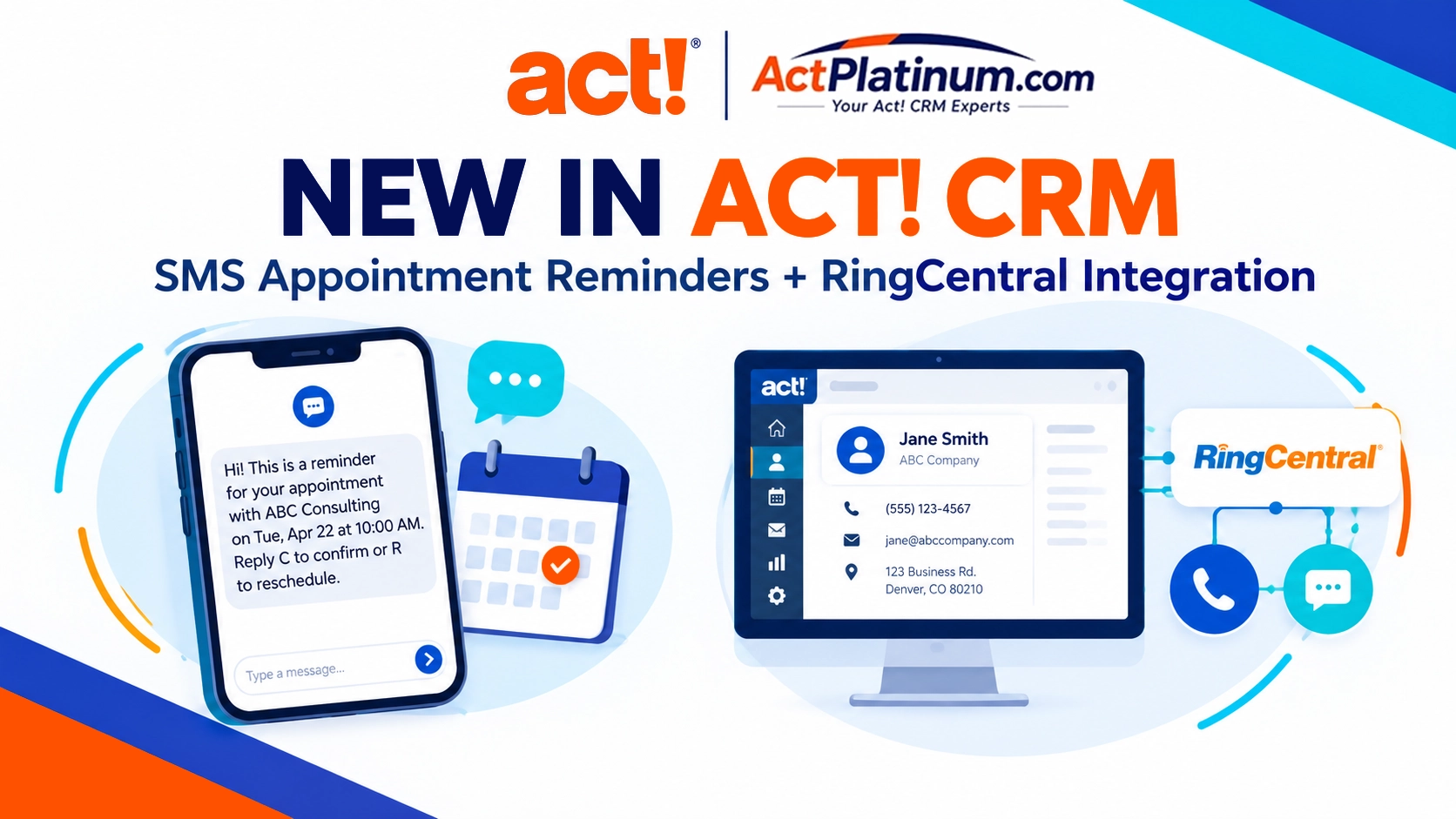
For businesses looking to improve follow-up, reduce missed appointments, and create a more complete view of customer relationships, these updates are worth exploring.
1. SMS Appointment Reminders: Help Keep Appointments on Track
Missed appointments can mean lost revenue, wasted staff time, and opportunities that never materialize. Following up with every customer manually takes time that your team could spend serving customers and growing the business.
With SMS Appointment Reminders in Act!, businesses can send text-message confirmations and reminders for scheduled activities, helping keep appointments top of mind.
How SMS Appointment Reminders Help Your Business
- Reduce missed appointments: Send timely text reminders to help customers remember upcoming meetings and appointments.
- Automate routine follow-up: Configure reminder timing and let Act! handle the sending process.
- See appointment status more easily: View color-coded confirmation statuses on the Act! calendar to identify appointments that are confirmed or may need attention.
- Save valuable staff time: Reduce the need for repetitive manual reminders and follow-up.
By connecting appointment reminders with your CRM activities and calendar, Act! helps make customer communication a more consistent part of your workflow.
Who can benefit? Professional service providers, consultants, sales teams, and businesses that schedule customer appointments can use reminders to improve communication and make better use of their calendars.
Learn more about SMS Appointment Reminders from Act!
2. Act! + RingCentral: Connect Customer Calls, Texts, and CRM History
Phone conversations remain an important part of building customer relationships. But when calls, text messages, and customer records are managed separately, valuable information can be overlooked or require extra effort to document.
The new Act! + RingCentral integration brings key communication capabilities closer to your Act! CRM workflow, helping your team stay connected to customer information while working.
Key Benefits of the RingCentral Integration
- Make calls directly from Act!: Click a phone number on a contact record to initiate a call using RingCentral.
- Recognize incoming callers: Incoming call notifications help you identify the caller and access the matching Act! contact information.
- Send text messages: Send SMS messages from a contact’s mobile phone field in Act! Cloud.
- Keep customer history more complete: Capture call activity in Act! History, with options for call recordings, AI-generated call summaries, and suggested follow-ups.
- Reduce switching between applications: Keep customer details and communication tools closer together while handling calls.
For teams that rely on phone calls to manage sales opportunities, service requests, and ongoing customer relationships, this integration can help make conversations easier to manage and document.
The integration also supports a more informed customer experience. When relevant contact information and previous interactions are easier to access, your team can spend less time searching for context and more time focusing on the person on the other end of the call.
Explore Act! + RingCentral integration
Two New Features, One Connected Customer Experience
SMS Appointment Reminders and RingCentral integration address different parts of the customer communication process, but they share a common goal: helping businesses stay organized and responsive.
Together, these capabilities can help businesses improve appointment communication, streamline phone workflows, and keep more customer information connected to the CRM.
Are These New Act! Features Right for Your Business?
If your business depends on appointments, customer calls, or regular follow-up, these enhancements are worth considering as part of your CRM strategy.
Availability and requirements vary by feature:
- SMS Appointment Reminders requires an active Act! Advantage subscription, is currently available in the United States, and requires approval of the application by Twilio, the SMS service provider. Message plans and additional-message charges apply.
- Act! + RingCentral is currently available to eligible Act! Advantage Professional and Ultimate customers in the United States. A separate RingCentral account is required; RingCentral service and phone numbers are not provided by Act!.
Review the feature details and requirements before getting started.
Get More from Act! CRM with ActPlatinum.com
At Action Platinum Solutions, we help businesses choose, implement, customize, and get more value from Act! CRM.
Whether you’re considering an upgrade to Act! Advantage Cloud, exploring new communication tools, or looking for help optimizing your existing Act! database, our team can help you evaluate the options for your business.
Ready to explore what’s possible with Act! CRM?
Visit ActPlatinum.com to explore Act! CRM subscriptions, compare available solutions, or learn about our consulting and training services.
Make customer communication easier, keep your CRM history connected, and spend more time building relationships.
If you have questions click the CHAT button or click the link to visit our Contact Us web page.