


23 Oct Act! Premium Desktop v28: New Features & Benefits
Act! Premium Desktop v28: New Features to Connect Customer Communications and Work More Efficiently
Act! continues to improve the tools businesses rely on to manage customer relationships, organize information, and stay productive. The release of Act! Premium Desktop v28 introduces several enhancements designed to make everyday CRM tasks easier, improve communication tracking, and help businesses manage their customer data more efficiently.
Whether you use Act! to manage sales opportunities, coordinate customer appointments, communicate with clients, or organize a growing contact database, v28 offers useful improvements worth exploring.
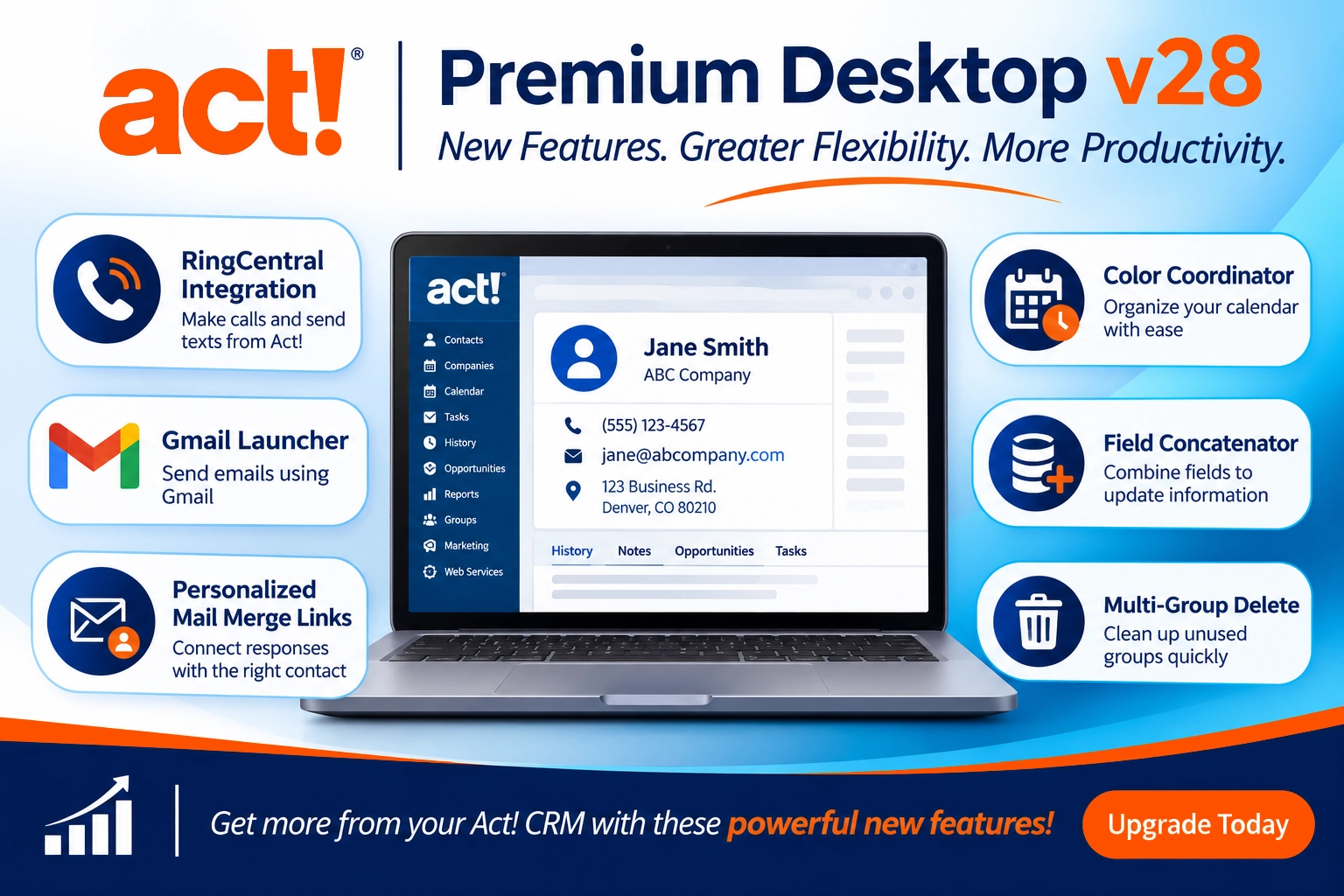
Here’s a closer look at what’s new in Act! Premium Desktop v28 and how these features can benefit your business.
1. Connect Your Phone System to Act! with RingCentral Integration
One of the biggest additions in Act! v28 is its integration with RingCentral, bringing calling and texting capabilities directly into the Act! contact record.
For businesses that rely on phone communication, this integration helps connect customer conversations with the CRM information your team already uses.
With RingCentral connected, users can:
- Make calls from Act! directly from a contact record.
- Send text messages from a contact’s record.
- Identify incoming callers and open the matching contact record.
- Record supported calls and texts in Act! contact history.
- Keep communication history accessible to other team members who view the contact record.
A RingCentral account is required. Availability and functionality may depend on your RingCentral service and configuration.
2. Send Emails from Act! Using the Gmail Launcher
Do you use Gmail or Google Workspace instead of Microsoft Outlook?
Act! v28 introduces the Gmail Launcher, making it easier to start an email directly from an Act! contact record.
A new email button appears alongside contact email fields. Select it to open the Gmail Launcher, enter your message, and continue to Gmail to send it.
The email subject and message content entered through the launcher are recorded in the contact’s Act! history, helping your team keep track of customer communication.
The Gmail Launcher is especially useful for businesses that use Gmail as their primary email platform but want to maintain customer communication history in Act!.
3. Personalize Mail Merge Links for Forms, Surveys, and Events
Act! v28 makes it easier to connect customer responses with the correct contact record through Personalized Mail Merge Links.
When creating a mail merge, you can include links to web forms, surveys, and event registration pages. Act! adds a unique Contact ID to each recipient’s link, allowing a properly configured form or survey to identify the person responding.
How Businesses Can Use This
- Customer Feedback: Send satisfaction surveys after completing a project or service.
- Event Registration: Invite customers to webinars, seminars, or business events.
- Customer Information Updates: Ask contacts to review and update their information.
- Follow-Up Surveys: Gather feedback after a sales conversation or customer service interaction.
Personalized links can help reduce repetitive data entry and make it easier to associate responses with the correct customer.
Note: Your form or survey platform must be configured to recognize the Contact ID for the personalized link functionality to work as intended.
4. Organize Your Calendar with Color Coordinator
If you manage a busy calendar or share activities among multiple team members, Act! v28 offers a new way to make your schedule easier to read.
The Color Coordinator lets you assign colors to calendar activities based on the person responsible or the type of activity.
For example:
- Assign a different color to each sales representative.
- Use one color for phone calls and another for meetings.
- Make shared calendars easier to review.
- Quickly identify activity assignments and schedules.
A color-coded calendar provides a clearer view of daily and weekly activities, making it easier to distinguish different types of work and team schedules.
5. Save Time Updating Contact Information with Field Concatenator
Managing a CRM database sometimes means cleaning up information, standardizing fields, or combining data stored in separate locations.
The new Field Concatenator helps simplify that process.
It allows you to combine the contents of two fields into a third field across the contacts in your current lookup.
For example, you might combine a Company field and Contact field to create a single display field:
Company Name + Contact Name = Company Name – Contact Name
You can also add a separator between the values, such as a dash or space.
Instead of opening individual contact records and updating information one at a time, Field Concatenator can make certain database cleanup and formatting tasks much faster.
Important: The target field is overwritten, and this operation cannot be undone. Always make a database backup before using this feature.
6. Clean Up Your Database with Multi-Group Delete
Over time, CRM databases can accumulate outdated groups from old marketing campaigns, events, projects, and customer lists.
Act! v28 makes it easier to clean up these unused groups with Multi-Group Delete.
The feature identifies groups that have no associated contacts and allows you to delete multiple empty groups at once from the Groups List View.
A cleaner database makes it easier to find the groups you actually use and reduces unnecessary clutter for users who have maintained their Act! database for many years.
Before deleting, review the list carefully to make sure the empty groups are no longer needed.
7. Additional Security, Reliability, and Compatibility Improvements
Beyond the new user-facing features, Act! Premium Desktop v28 includes additional enhancements designed to improve the overall experience.
These include:
- Security enhancements: Updates to third-party components and additional security controls.
- Administrator controls: Additional options for managing sign-in access and system configurations.
- Outlook integration improvements: Corrections to several email and calendar synchronization issues.
- Everyday usability enhancements: Improvements to List View editing, column selection, and other areas of the application.
- Reliability fixes: Additional corrections to issues reported by users.
These updates help keep Act! current while improving the experience for both everyday users and administrators.
Is Act! Premium Desktop v28 Right for Your Business?
Act! v28 offers improvements for businesses that want to keep customer communications connected to their CRM, reduce manual data entry, and make everyday database management easier.
The new features may be especially valuable if your business:
- Uses RingCentral and wants phone calls and text messages connected to customer records.
- Uses Gmail or Google Workspace for customer communication.
- Sends customer surveys, event invitations, or online forms.
- Manages a shared calendar with multiple users.
- Maintains a large database that needs occasional cleanup and organization.
- Wants to stay current with Act! security, compatibility, and reliability improvements.
Please note: The new v28 features described in this article are available with Act! Premium Desktop and are not included in Act! Premium for Web. An upgrade to v28 is required to access the new enhancements.
Upgrade to Act! Premium Desktop v28 with ActPlatinum
Your CRM should help your business work more efficiently – not create more work.
At Action Platinum Solutions, we’ve helped businesses get more from Act! for over 25 years. As an authorized Act! reseller and experienced Act! consulting partner, we can help you explore upgrade options and determine which Act! solution best fits your business.
Whether you’re upgrading from an earlier version of Act! Premium Desktop or evaluating your options for the future, we’re here to help you make an informed decision.
Ready to explore Act! Premium Desktop v28?
Contact ActPlatinum to discuss your upgrade options or visit our Act! CRM Shop to explore available subscriptions and solutions.
Get more from your Act! CRM investment with Action Platinum Solutions.